NotebookLM Explained: The Complete Beginner’s Guide (2026)
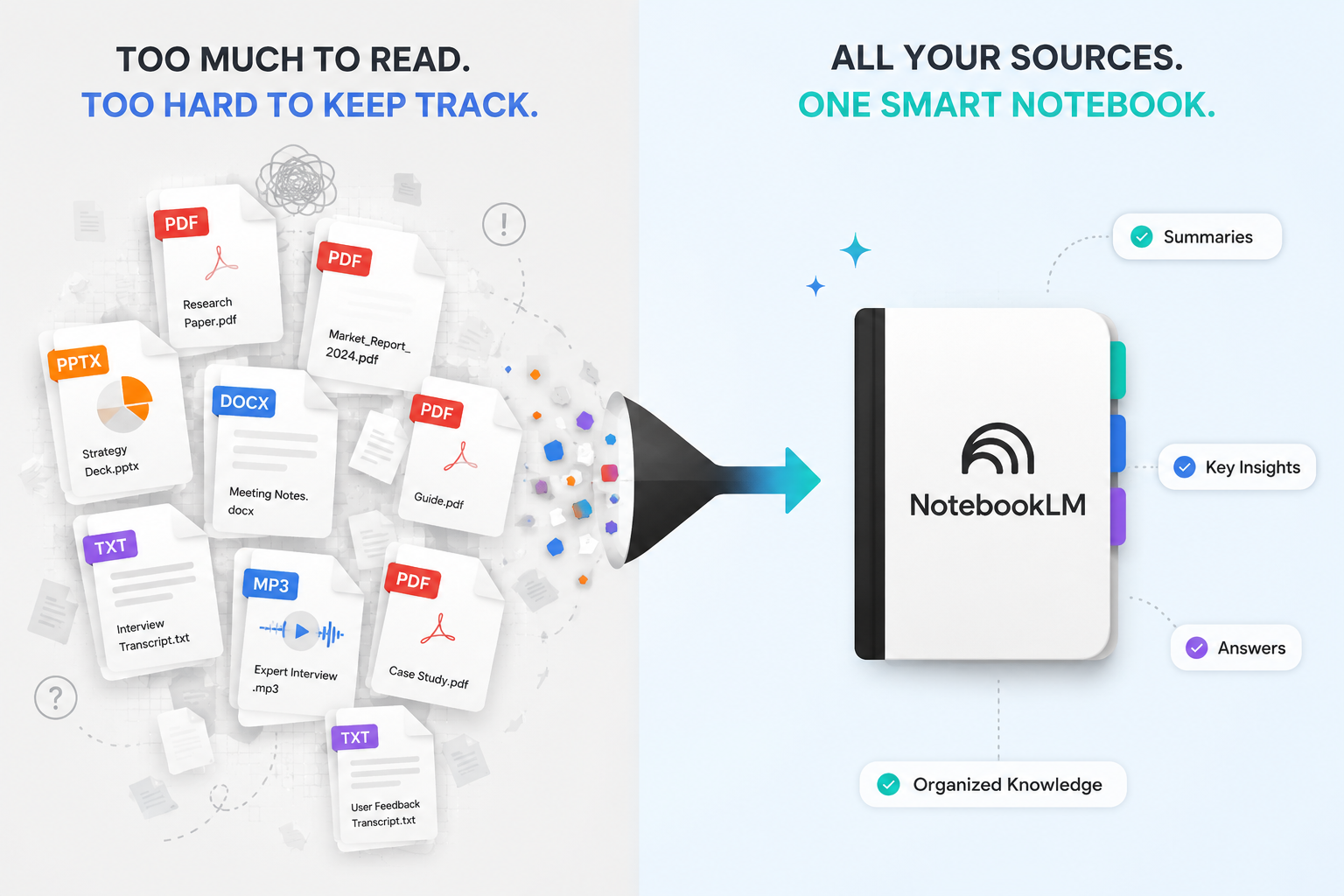
Sometime around April 2026, NotebookLM quietly overtook Gemini itself in Google Trends search interest — Google’s own flagship AI product, outranked by what most people still think of as “that PDF summarizer.” That wasn’t a fluke. Google shipped a genuinely large wave of updates to it through late 2025 and into mid-2026, and as of July 1, 2026, it received another major upgrade adding agentic capabilities and code execution. If you tried NotebookLM once, shrugged, and moved on, you’re very likely using a completely different product than the one that exists today. This guide covers what it actually is, right now.
What Is NotebookLM?
NotebookLM is Google’s AI research assistant, built around a specific idea: instead of asking a general AI chatbot a question and hoping it knows the answer, you feed it your own documents — PDFs, Google Docs, slides, websites, YouTube transcripts, audio files — and it answers only from those sources, citing exactly where each answer came from. Google’s own team describes it simply as a tool for understanding things, not a tool for generating things from scratch.
How NotebookLM Works
You create a “notebook,” add sources to it (uploaded files, pasted text, links, or connected Google Drive documents), and then ask questions in a chat interface. Every answer comes with clickable citations pointing back to the specific passage in your source material that supports it. Since June 2026, a notebook can also auto-sync with a Google Drive folder — if the source documents change, the notebook updates without a manual re-upload.
What Makes NotebookLM Different From ChatGPT
ChatGPT is a generalist — it draws on broad training knowledge and can talk about almost anything, but by default it doesn’t know your specific documents unless you paste them in, and it isn’t built to cite exactly which sentence of which document supports a claim. NotebookLM inverts that: it knows nothing except what you’ve given it, and every answer is traceable to a specific source. One is built for open-ended conversation; the other is built for grounded analysis of a defined set of material.
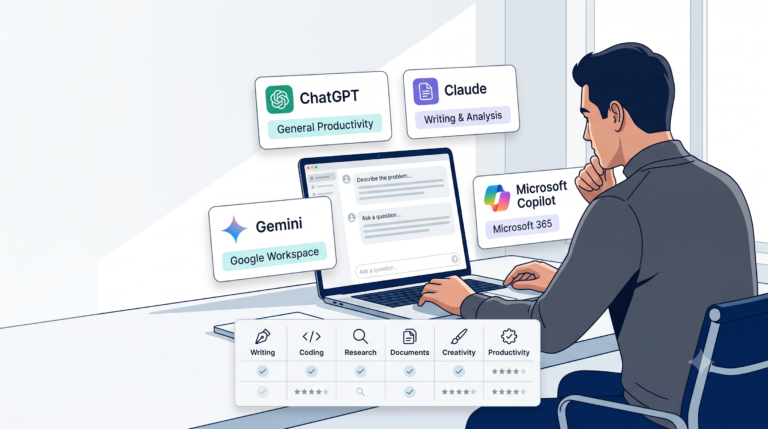
NotebookLM vs. ChatGPT vs. Perplexity vs. Claude
| Tool | Best for | Source-grounded by default? | Real-time web access |
|---|---|---|---|
| NotebookLM | Deep analysis of your own documents — reports, transcripts, research papers | Yes — built around your uploaded sources | Via Deep Research, added Nov 2025 |
| ChatGPT | General-purpose conversation, broad drafting tasks | No, unless you paste content in | Yes, with browsing enabled |
| Perplexity | Fast, cited answers from the open web | Yes, but web-first rather than your-documents-first | Yes, this is its core design |
| Claude | Long-document reasoning, sustained writing tasks | Only for documents you paste or upload per-conversation | Limited, varies by plan |
The simplest way to remember the difference: Perplexity is excellent at finding information out there; NotebookLM is excellent at processing information in here — your own uploaded material specifically. If you want “what’s the latest news on X,” Perplexity is the better fit. If you want “what do these 12 documents I already have say about X,” NotebookLM is built for exactly that.
Real-World Use Cases
- A consultant uploading a client’s full document set (contracts, past reports, meeting transcripts) and asking targeted questions before a meeting, trusting the answers are grounded in the actual files.
- A student uploading a semester’s lecture notes and generating flashcards and quizzes for exam prep.
- A small business owner uploading financial statements and tax code documents and asking what deductions apply to their specific situation.
- A researcher uploading dozens of papers and asking NotebookLM to identify trends or contradictions across all of them at once — the kind of long-tail synthesis a general web search struggles with.
- A team keeping a shared notebook of meeting transcripts, so anyone can ask “what did we decide about X” before their next meeting instead of digging through old notes.
Uploading PDFs and Working With Company Documentation
NotebookLM now accepts PDFs, Google Docs and Sheets, Word documents straight from Drive, images, and — as of March 2026 — EPUB files. For company documentation specifically, the Drive auto-sync feature (added at Google I/O 2026) means a notebook built on a living, frequently-updated internal wiki or shared drive folder stays current without manual re-uploading, which matters a great deal for anything used repeatedly, like an internal policy notebook or an onboarding knowledge base.
Research Workflows: Fast Research vs. Deep Research
Fast Research works like a search engine — you ask a question, and it returns a curated list of relevant sources for you to review yourself. Deep Research goes further: it reads those sources and writes a synthesized report, which you can then add back into your notebook as its own source. The honest limitation worth knowing: Deep Research is genuinely good for breadth — surfacing plausible sources fast — but weaker on judgment. It can’t reliably tell you which three of fifteen sources are actually worth reading closely, and it inherits the usual weaknesses of automated source-finding, including a tendency to surface well-optimized content over genuinely authoritative but less SEO-friendly sources. Treat its output as a draft bibliography, not a finished one.
Meeting Notes as a Knowledge Base
A genuinely popular real-world use case: keep a running notebook of meeting transcripts, then ask targeted questions before your next meeting rather than scrolling back through old notes trying to remember what was decided. This pairs naturally with the meeting-summary automations covered in our automation guide — NotebookLM handles the deep-question-answering layer, while a simple automation can handle getting the transcript into the notebook in the first place.
Study Guides for Students
Upload a semester’s lecture notes, readings, and past exams, and generate flashcards, quizzes, and mind maps directly from that material. A genuinely useful June 2026 update lets you edit generated flashcards afterward — fixing a weak answer, rewriting a question in your own phrasing, or splitting an overloaded card into two simpler ones — since a first-pass generated deck is rarely exam-ready without a cleanup step.
Podcast (Audio Overview) Generation
This feature is what originally made NotebookLM go viral in 2024 and remains one of its most distinctive: it generates a natural-sounding, multi-voice audio discussion of your uploaded sources, now available in roughly 80 languages, alongside a newer Video Overview and Cinematic Video Overview format. Genuinely useful for reviewing dense material passively — during a commute, for instance — though it should be treated as a comprehension aid, not a substitute for reading anything you need to cite precisely yourself.
Source-Grounded Answers: Why This Matters
Every answer’s citations trace back to a specific passage in your own uploaded material, which is NotebookLM’s core defense against hallucination — it’s much harder for the model to invent a fact when it’s constrained to material you provided. This is a genuinely meaningful design advantage over a general-purpose chatbot for this specific use case.
Limitations
This is the most important section in this guide, and it connects directly to our own verification guide: citations prove traceability, not truth. If your source documents are outdated, biased, or simply wrong, NotebookLM will faithfully cite them anyway — grounded-in-your-sources is not the same as grounded-in-reality. Beyond that, four structural limitations have persisted through every 2026 update: notebooks are silos (no search across multiple notebooks, no shared graph of connections between them), there’s no capture layer (it can’t meet you where you’re already reading — you have to bring sources to it), output quality still depends entirely on source quality, and the newest, most impressive features (Cinematic Video Overview, the most advanced agentic skills) land on the most expensive tiers first.
Pricing (2026 Snapshot — Treat as a Snapshot, Not Gospel)
Pricing has already shifted twice within 2026 alone, consistent with the fast-moving pattern we flagged in our tool comparison guide. As of this writing: a capable free tier exists; Plus dropped to roughly $4.99/month as of June 2026; higher tiers extend up to Ultra plans starting around $99.99/month for the most advanced features (Cinematic Video Overview, the newest agentic skills, a secure cloud code-execution environment). Given the pace of change, check Google’s current pricing page directly before budgeting around any specific figure here.
Privacy
NotebookLM’s source-grounded design means your uploaded documents are the actual substance of what the tool works with — the same general caution from our beginner’s guide applies without exception: avoid uploading anything genuinely confidential unless you’ve confirmed your specific account tier’s data-handling terms, particularly for free-tier or personal accounts versus Workspace business accounts, which typically carry different data agreements.
Best Practices
- Treat Deep Research output as a draft bibliography, not a finished citation list — review its source suggestions before trusting them (see Limitations above).
- Start with one notebook tied to one real, specific decision or project, rather than one giant catch-all notebook — this avoids running into the “notebooks are silos” limitation before you’ve even gotten value from the tool.
- Phrase your queries with real specificity, the same Four-Layer discipline from our prompt engineering guide — “what changed in this year’s numbers versus last year’s” outperforms a vague “tell me about this document.”
- Use the Suggested Formats in Reports, not the generic default templates — the suggested options are generated based on your actual sources and tend to be far more useful.
Common Mistakes
- Assuming citations mean the answer is correct, rather than just traceable — the single most important mistake to avoid, per the Limitations section above.
- Uploading messy, contradictory, or outdated sources and expecting NotebookLM to reconcile the difference for you — it will faithfully reflect what you gave it, contradictions included.
- Building one sprawling notebook for everything instead of scoped notebooks per project — makes the existing “silo” limitation worse, not better.
- Skipping the flashcard/report cleanup step, treating first-pass generated study material as exam-ready without review.
Your First Notebook: A Simple Setup Walkthrough
- Gather 3–5 real source documents for one specific project or question — not everything you own, just what’s relevant to one real task.
- Create a new notebook and upload them.
- Ask one specific, well-scoped question first, and click through at least one citation to confirm it says what the summary claims.
- Try one Studio output relevant to your goal — a Report if you need a briefing document, Flashcards if you’re studying, an Audio Overview if you want a passive-review format.
- Only after this first notebook proves useful, consider whether a second, separate notebook is warranted for a different project — resist the urge to dump everything into one.
Frequently Asked Questions
Is NotebookLM free?
Yes, a genuinely usable free tier exists, with paid tiers (Plus, Pro, Ultra) unlocking higher usage limits and more advanced Studio features.
Is NotebookLM better than ChatGPT?
They solve different problems — see the comparison table above. NotebookLM is better for grounded analysis of your own documents; ChatGPT is better for general-purpose, open-ended conversation.
Can NotebookLM access the internet?
Yes, through its Deep Research feature (added November 2025), though its core strength remains analysis of sources you provide directly, not open web search.
Is NotebookLM good for students?
Yes — the Flashcards, Quiz, and Mind Map outputs are specifically well-suited to exam preparation from a defined set of course material, and the June 2026 update to make flashcards editable addressed a real early limitation.
What’s the biggest limitation of NotebookLM?
That citations prove traceability, not truth — see the Limitations section above. A close second: notebooks are still silos with no cross-notebook search.
Does NotebookLM hallucinate?
Less than a general-purpose chatbot on tasks within its design, because it’s constrained to your uploaded sources — but it can still faithfully cite an answer from a source that is itself wrong, biased, or outdated.