
ChatGPT vs Claude vs Gemini vs Microsoft Copilot: Which AI Assistant Is Best for Work? (2026)
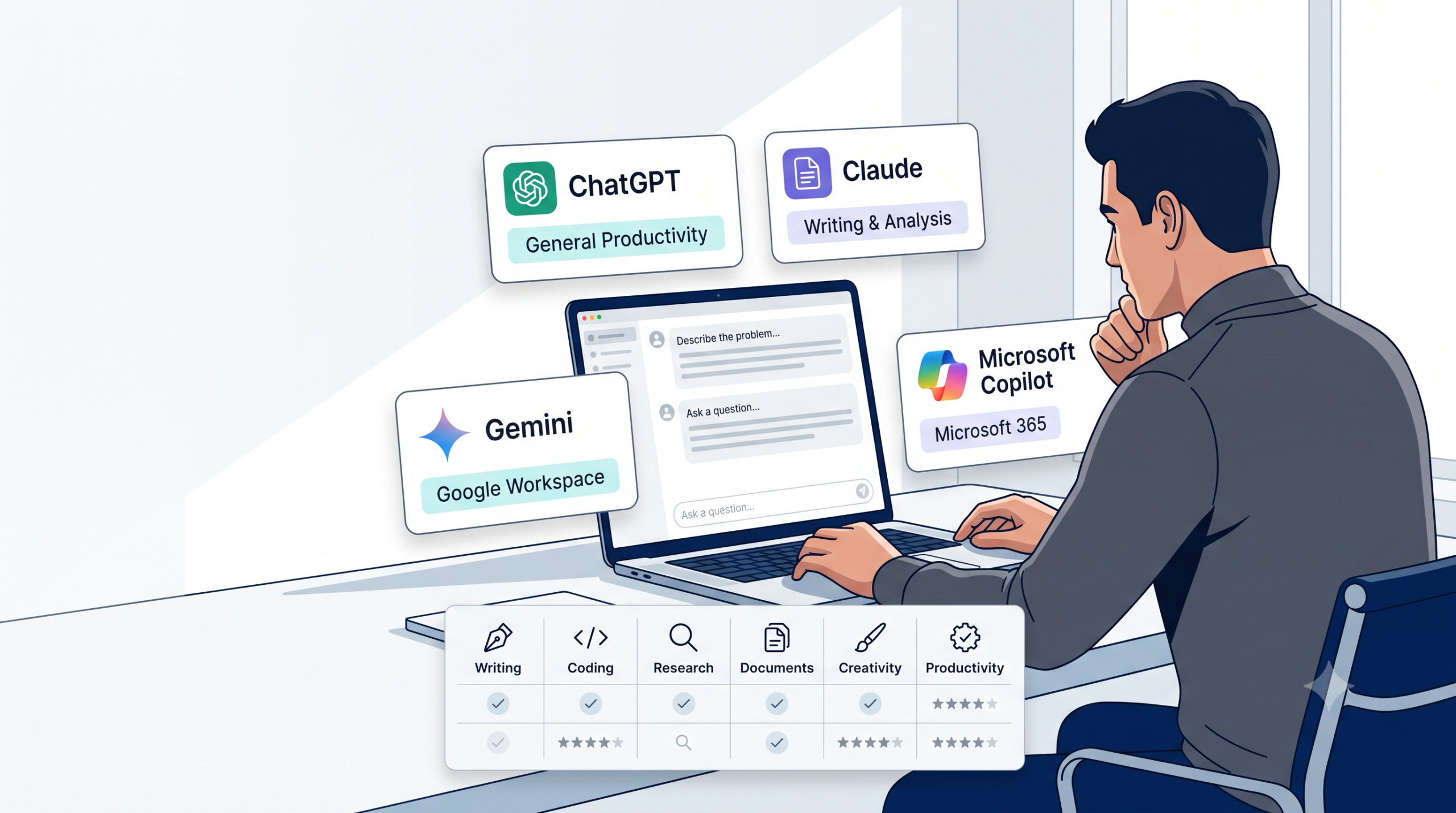
If you’ve read three “ChatGPT vs Claude vs Gemini vs Copilot” articles already, you’ve probably noticed they all land on the same four-line verdict: Claude for writing and code, Gemini for Google users, Copilot for Microsoft users, ChatGPT for everything else. That verdict isn’t wrong. It’s also not very useful, because it doesn’t know anything about your actual job. This guide gives you that same honest baseline — and then a way to score your specific situation against it, so the answer is actually yours, not a repeated headline.
The Honest Answer, Upfront
For most professionals in 2026, the individually-paid tiers of all four major assistants converge on roughly the same price — about $20 a month — and roughly comparable underlying quality. That means the deciding factor for most people isn’t “which model is smartest” (they’re all genuinely good now); it’s which one fits into work you’re already doing, at a price your employer either already covers or you’re comfortable paying yourself. That’s the entire logic behind the scorecard further down this page.
Why Most Comparisons Go Stale in Weeks (and Why This One Won’t)
Here’s something almost no comparison article admits: by the time you read “ChatGPT runs on GPT-5.4” or “Claude’s latest is Opus 4.6,” it’s frequently already out of date. OpenAI, Anthropic, and Google have all shipped multiple model updates within months of each other throughout 2026, and Microsoft ships Copilot updates on its own schedule again. Pinning a comparison to a specific version number is why so much of this content ages badly within a single quarter.
So this guide is deliberately built around what tends to stay stable — pricing tiers, ecosystem fit, and task type — rather than which exact model is winning this month’s benchmark. Where a specific model name is genuinely useful context, we’ll mention it, with the understanding that the underlying model will keep changing faster than the comparison itself needs to.
The Four Contenders, in Plain English
ChatGPT — The Generalist
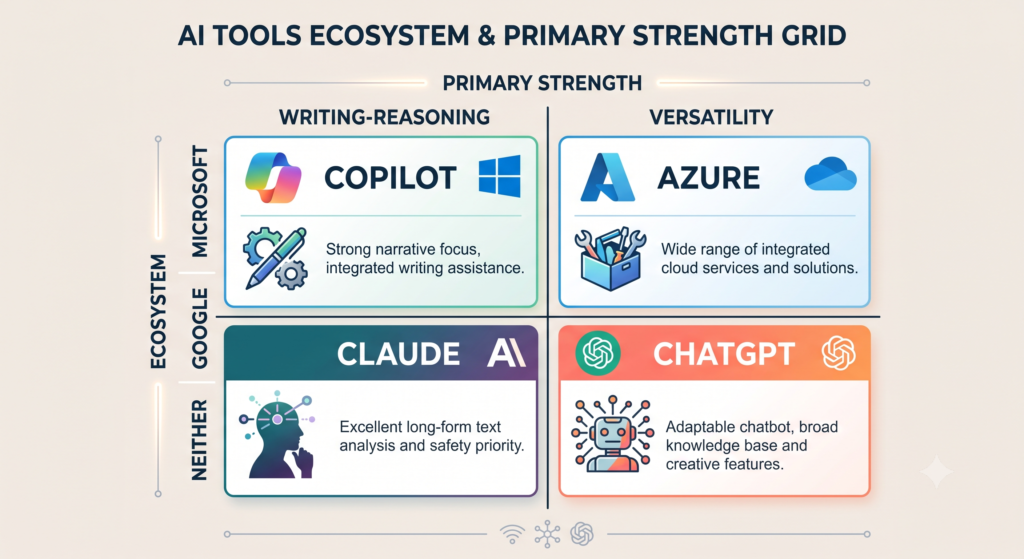
OpenAI’s ChatGPT remains the most broadly recognized AI assistant, and it earns that recognition honestly: strong general writing, image generation, voice mode, and the widest third-party plugin/integration ecosystem of the four. If you want one tool that handles almost anything reasonably well without committing to a specific software ecosystem, this is usually the safest default.
Claude — The Careful Writer and Reasoner
Anthropic’s Claude has built a reputation for handling long documents, sustained multi-step reasoning, and writing that holds a consistent voice across a long piece — several independent comparisons in 2026 specifically call out its strength on nuanced, structurally consistent writing and on coding tasks via its Claude Code agent. If your work involves long reports, careful editing, or code, it’s worth trialing first.
Gemini — The Google-Native Option
Google’s Gemini is the obvious choice if your organization already runs on Google Workspace — Gmail, Docs, Sheets, and Drive integration is native rather than bolted on, and its context window (how much text it can consider at once) is consistently reported as the largest among the four. If you’re not on Google Workspace, that integration advantage disappears and Gemini competes purely as a standalone assistant.
Microsoft Copilot — AI Inside Tools You Already Use
Copilot’s entire value proposition is different from the other three: it’s not trying to be your general-purpose assistant, it’s trying to make Word, Excel, Outlook, and Teams smarter without you leaving them. Worth knowing before you budget for it: Copilot typically requires an underlying Microsoft 365 subscription in addition to the Copilot license itself — several 2026 pricing analyses point out this stacked cost as something buyers frequently miss when comparing sticker prices alone.
What Actually Costs What (2026 Pricing, Compared Honestly)
Pricing in this market moves monthly, so treat the numbers below as a snapshot, not gospel — check each provider’s own pricing page before you commit.
The Free Tiers
All four offer a genuinely usable free tier in 2026, with real caps: message limits over a rolling time window, reduced access to the most capable model, or fewer advanced features (deep research, video generation, larger context). Free tiers are enough to trial fit before paying anything — start here regardless of which tool you’re leaning toward.
The $20/Month Tier — Where Almost Everyone Converges
| Tool | Individual paid tier | What you get |
|---|---|---|
| ChatGPT Plus | ~$20/month | Priority access to the latest GPT model, image generation, voice, broader plugin ecosystem |
| Claude Pro | ~$20/month | Claude’s flagship reasoning model, Claude Code access, higher usage limits |
| Google AI Pro (Gemini) | ~$20/month | Gemini’s flagship model, Deep Research, large context window |
| Microsoft Copilot Pro | ~$20/month | Priority model access — full Office integration requires a separate Microsoft 365 subscription |
The $100+ Power-User Tiers
Each provider now also offers a heavier tier in the $100–$200/month range (branded differently by provider — “Pro,” “Max,” “Ultra”) aimed at people running frontier-level workloads daily, not casual users. Multiple 2026 pricing analyses agree on the same practical advice: only upgrade past $20/month if you’re consistently hitting usage caps, not because a higher number sounds better.
The Hidden Copilot Cost Most Comparisons Don’t Mention
This is worth its own callout because so few comparisons state it plainly: Microsoft Copilot’s Office integration generally requires you to already be paying for the underlying Microsoft 365 subscription that Copilot sits on top of. Several 2026 cost breakdowns point out that a full Microsoft 365 + Copilot Business setup can run meaningfully higher per user than a standalone ChatGPT or Claude subscription — not because Copilot is a bad product, but because the sticker price you see quoted often isn’t the full cost. If you’re comparing Copilot against the other three, compare the total stack, not just the Copilot line item.
The AI Assistant Fit Scorecard — Our Framework
Score each of the four tools from 0–3 points on each question below, based on your own situation. Highest total wins — for you, not in general.
| Question | 0 points | 1 point | 2 points | 3 points |
|---|---|---|---|---|
| 1. Does your employer already provide/pay for this tool? | Not available at all | Available but unofficial/self-funded | Available, lightly supported | Officially provided and encouraged |
| 2. Which ecosystem do you live in daily? | Unrelated ecosystem | Loosely related | Partially integrated | Fully native (Google Workspace → Gemini, Microsoft 365 → Copilot) |
| 3. What’s your primary task type? | Poor fit for this tool | Workable fit | Good fit | Best-in-class fit for this tool |
| 4. Which Delegation Matrix quadrant is most of your work in? (see Article #1) | Mismatched fit | Acceptable fit | Strong fit | Ideal fit (see quadrant table below) |
How to Score It
Fill in a score for all four tools against each question, then add each tool’s column. The tool with the highest total is your practical starting point — not necessarily “the best AI,” just the best fit for the job in front of you, this quarter.
Reading Your Result
A close score between two tools is common and not a failure of the framework — it usually means either would genuinely work, and the tiebreaker should be whichever one your employer already pays for (Question 1 carries the most real-world weight for a reason).
Matching Tools to Your Delegation Matrix Quadrants
If you’ve worked through the AI Delegation Matrix in our beginner’s guide, here’s how the four tools tend to map onto each quadrant, based on their core strengths described above:
| Delegation Matrix quadrant | Tools that tend to fit best | Why |
|---|---|---|
| Automate It (low judgment, low stakes) | ChatGPT, Copilot | Fast, broadly capable, minimal setup for routine drafting and formatting |
| Brainstorm With It (high judgment, low stakes) | ChatGPT, Claude | Both handle open-ended exploration and multiple angles well |
| Verify Twice (low judgment, high stakes) | Claude, Gemini | Stronger long-document handling and careful reasoning reduce (but never eliminate) the need for verification |
| Keep It Human | None — by definition, no tool belongs here | This quadrant is a reminder, not a tool recommendation |
Data Privacy: What Actually Differs
All four providers publish data-handling controls, but the defaults and how you access them differ. ChatGPT and Claude both expose a setting to opt your conversations out of model training; Gemini’s equivalent controls live inside your Google account settings rather than the chat interface itself. Regardless of provider, treat any account without a verified business/enterprise agreement as public by default — the guidance from our beginner’s guide applies here without exception: never paste customer data, unreleased financials, or confidential HR information into a personal-tier account of any of these four tools.
Real Test: The Same Task, Four Tools
We ran an identical prompt through all four assistants: “Turn these rough meeting notes into a one-page executive summary with three sections — Wins, Challenges, Next Steps.” [Screenshot placement: side-by-side crops of all four outputs, per Section 10 above.] The practical takeaway across this and similar tests reported by other 2026 comparisons: for straightforward drafting tasks like this one, the differences between tools are smaller than the marketing suggests — the meaningful differences show up on longer, more specialized tasks (long-document analysis, coding, multilingual work), not routine drafting.
Common Mistakes When Choosing an AI Tool
- Picking based on a benchmark score you don’t actually need. Coding benchmarks don’t matter if you never write code.
- Ignoring what your employer already provides. The “best” tool that requires a personal subscription your company won’t reimburse is often the wrong practical choice.
- Underestimating stacked costs, particularly with Copilot’s Microsoft 365 dependency (see above).
- Assuming you have to pick just one. A meaningful number of professionals in 2026 use more than one tool — for example, whichever assistant is bundled into their main software suite for daily work, plus one standalone tool for deeper writing or reasoning tasks.
- Choosing based on a specific model version number that will be superseded within weeks — pick based on the fit criteria in this guide instead.
Our Recommendation by Scenario
| Your situation | Start with |
|---|---|
| Your company already provides one of the four | That one, regardless of what this article says elsewhere — Question 1 on the scorecard exists for a reason |
| You’re on Google Workspace, no employer tool provided | Gemini |
| You’re on Microsoft 365, no employer tool provided | Copilot — but check your total stacked cost first |
| Neither, and your work is mostly long documents, writing, or code | Claude |
| Neither, and you want the broadest all-purpose tool | ChatGPT |
Download Free PDF HERE – AI ASSISTANT COMPARISON GUIDE PDF
Where to Go From Here
If you haven’t worked through the AI Delegation Matrix yet, start with our beginner’s guide — this comparison assumes you’ve already sorted your tasks into quadrants. Once you’ve picked a tool, our guide to prompt engineering for non-programmers will help you get useful results from it immediately, and our guide to verifying AI output covers the habit that matters more than which tool you chose.
Frequently Asked Questions
Which AI assistant is genuinely the best overall? There isn’t one — at the ~$20/month tier, all four are strong, general-purpose tools, and the right choice depends more on what your employer already provides and which ecosystem you live in than on raw model quality.
Is Microsoft Copilot worth it if I don’t already pay for Microsoft 365? Usually not on its own. Copilot’s main advantage is Office integration, which requires the underlying Microsoft 365 subscription — without that, you’re mostly paying for a standalone chat interface comparable to ChatGPT Plus, without the ecosystem benefit.
Do I need to pay for any of these to get real value? No. All four free tiers are genuinely usable for getting started — see our beginner’s guide for how to begin without spending anything.
Should I use more than one AI assistant? Many professionals do, typically pairing whatever’s bundled into their main work software with one standalone tool for deeper writing, reasoning, or coding tasks. There’s no penalty for using two if your budget allows it.
How often should I revisit this comparison? Every provider ships updates on its own schedule throughout the year — we review this page quarterly rather than the site’s usual six months, specifically because this topic moves faster than most.