25 Best AI Tools for Work in 2026 (Actually Worth Using)
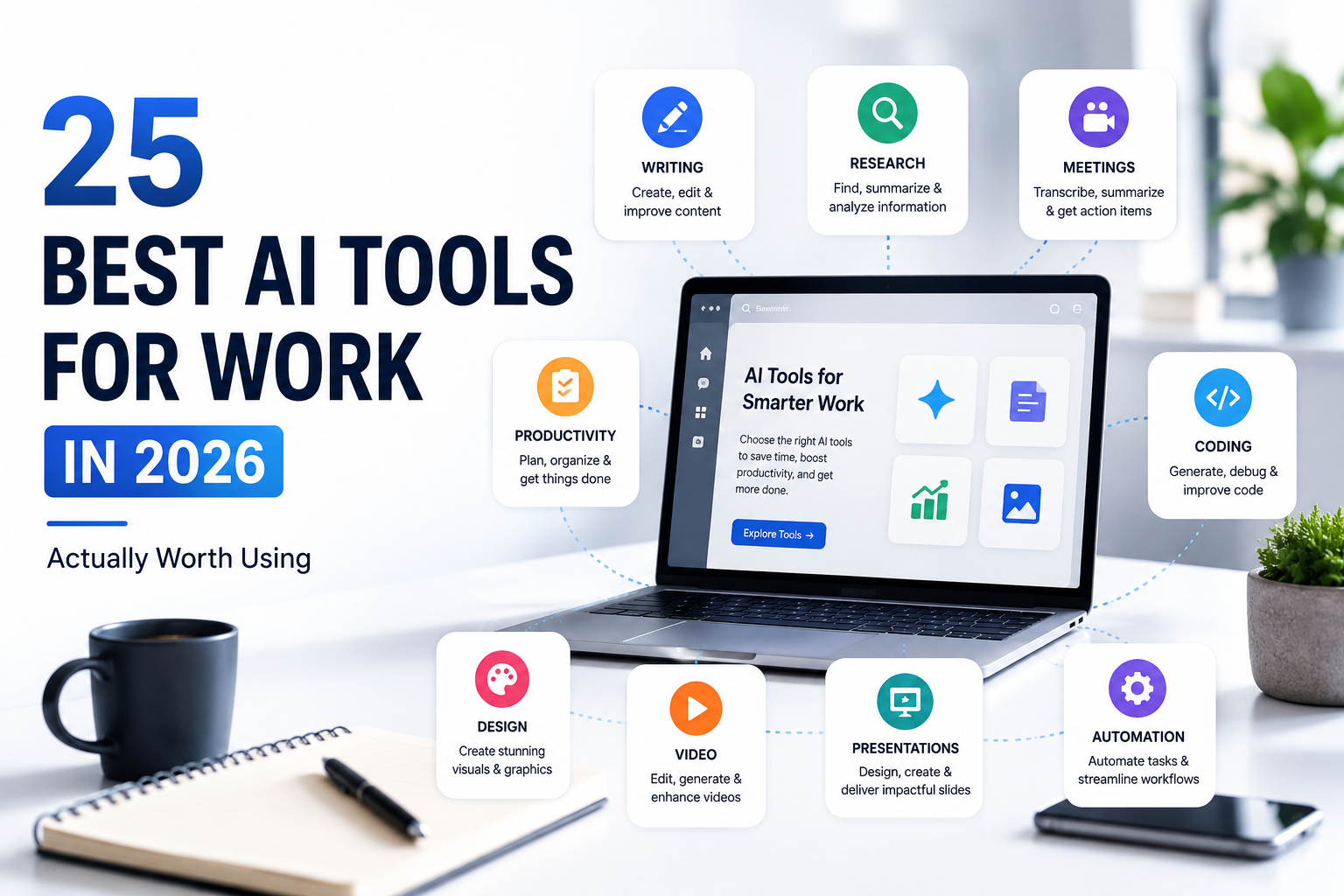
None of the 25 tools on this list are ours to sell. That matters more than it sounds like it should: most “best AI tools for work” articles are published by a company that makes one of the tools on the list, which quietly shapes what gets included and what gets ranked first. This list has no product to protect, which is the only reason it can tell you honestly where a tool falls short.
First check out our guide on How to Use AI at Work: The Complete Beginner’s Guide
How We Picked These 25 (and What We Left Out)
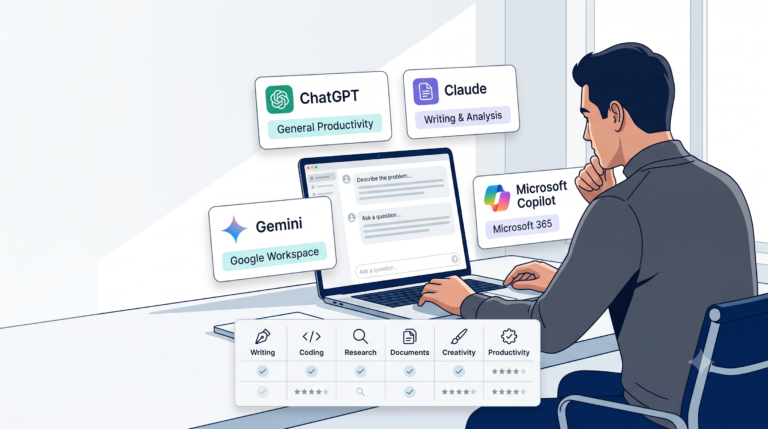
Every tool here earns its place for a specific, current reason — not because it has “AI” in the name. We excluded tools that duplicate a stronger option in the same category without a clear reason to choose them instead, and we’ve flagged pricing as a snapshot, not a permanent fact, because subscription tiers in this market shift every few months. If you’re deciding between close alternatives in the same category, run them through the Fit Scorecard from our tool comparison guide rather than picking whichever name you recognize first.
Writing
| Tool | Best for | Pricing (2026 snapshot) | Ideal user |
|---|---|---|---|
| ChatGPT | General-purpose drafting, brainstorming, broad task range | Free tier; Plus ~$20/month | Anyone wanting one flexible, all-purpose writing assistant |
| Claude | Long documents, careful editing, consistent voice across a long piece | Free tier; Pro ~$20/month | Professionals writing reports, long-form content, or anything needing sustained structure |
| Grammarly | Grammar, tone, and clarity checking layered on top of writing you’ve already drafted | Free tier; Premium adds style and tone suggestions | Anyone who writes professionally and wants an editing layer, not a drafting one |
Pros/cons in brief: ChatGPT and Claude both draft well but neither replaces your own judgment on facts and figures — see the verification note near the end of this guide. Grammarly doesn’t generate content at all, which is exactly its strength: it improves what you already wrote rather than introducing new claims to verify.
Research
| Tool | Best for | Pricing (2026 snapshot) | Ideal user |
|---|---|---|---|
| Perplexity | Fast, cited web research with sources you can click through | Free tier; Pro ~$20/month | Anyone who wants an answer with a traceable source, not just a fluent paragraph |
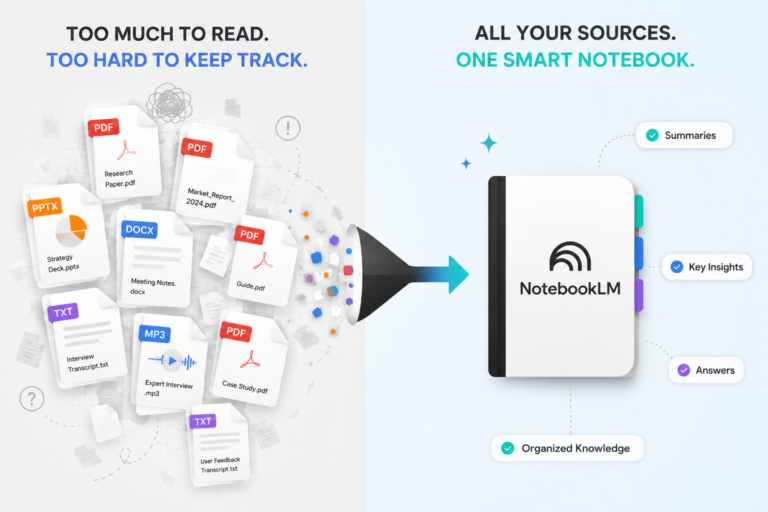
| NotebookLM | Synthesizing your own uploaded documents (reports, PDFs, notes) | Free with a Google account | Professionals researching within a closed set of their own documents rather than the open web |
| Elicit | Literature review and comparing findings across academic papers | Free tier; paid tiers for higher volume | Researchers and analysts who need to compare methods or findings across many sources |
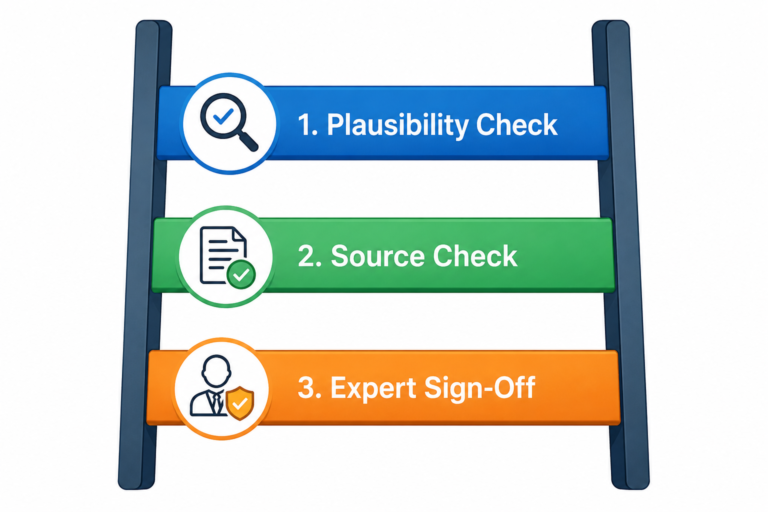
Pros/cons in brief: Perplexity’s cited-answer format is a genuine advantage, but a citation existing doesn’t mean it says what the summary claims — click through before you rely on it (Rung 2 of the Verification Ladder from our verification guide). NotebookLM is only as good as what you upload; it won’t catch errors already present in your source documents. Elicit is excellent at literature review but shouldn’t be your only citation source for anything client-facing or published.
Meetings
| Tool | Best for | Pricing (2026 snapshot) | Ideal user |
|---|---|---|---|
| Fireflies | Automatic meeting transcription, summaries, and action items across Zoom/Teams/Meet | Free tier with limits; paid tiers for more storage and features | Teams with a high meeting volume who need a searchable record |
| Granola | Lightweight, Mac-native meeting notes without a bot joining the call | Free tier; paid tier for teams | Anyone uncomfortable with a visible recording bot appearing in every call |
Pros/cons in brief: Both tools save real time, but neither replaces reading the actual summary before acting on an “action item” it extracted — misattributed action items are a common, low-drama failure mode worth a quick human check.
Productivity
| Tool | Best for | Pricing (2026 snapshot) | Ideal user |
|---|---|---|---|
| Notion AI | AI assistance embedded directly inside an existing Notion workspace | Add-on to a Notion plan, roughly $10/month per member | Teams already living in Notion for docs and project management |
| Motion | AI calendar and task scheduling that automatically rebalances your day | Paid only, no meaningful free tier | Anyone whose calendar gets constantly reshuffled by meeting changes |
| Superhuman | AI-assisted email triage and faster inbox processing | Paid, positioned at professionals with high email volume | Executives and client-facing roles drowning in email |
Pros/cons in brief: Notion AI’s value depends entirely on how embedded you already are in Notion — it’s not worth adopting Notion just to get it. Motion and Superhuman both solve a real, specific time-sink rather than being general-purpose tools, which is exactly why they’re on this list instead of a broader alternative.
Coding
| Tool | Best for | Pricing (2026 snapshot) | Ideal user |
|---|---|---|---|
| Cursor | AI-native code editor with multi-agent, parallel coding workflows | Free tier; paid tiers for heavier usage | Developers willing to switch editors for a more AI-integrated workflow |
| GitHub Copilot | Inline AI code suggestions inside your existing editor | Paid, often bundled through an employer’s GitHub plan | Developers who want AI assistance without changing their current setup |
Pros/cons in brief: Cursor’s deeper AI integration comes with a real switching cost; Copilot is more limited but requires zero workflow change. Neither replaces code review — an AI-suggested function that runs without errors is not the same as one that’s correct, secure, or the best approach.
Design
| Tool | Best for | Pricing (2026 snapshot) | Ideal user |
|---|---|---|---|
| Canva Magic Studio | Fast, professional-looking graphics and social content without design training | Free tier; Pro ~$13/month | Non-designers who need decent visuals quickly |
| Adobe Firefly | Commercially safe AI image generation, trained on licensed content | Included with relevant Creative Cloud plans | Professionals who need generated imagery cleared for commercial use |
| Napkin AI | Turning written text into diagrams and visual frameworks | Free tier; paid tiers for higher volume | Anyone who needs to visualize a process or concept without manual diagramming |
Pros/cons in brief: Canva and Firefly solve different problems — general graphics versus commercially-cleared image generation — and are often used together rather than as alternatives. Napkin AI is a genuine category of one on this list: none of the other tools here turn prose into a diagram.
Video
| Tool | Best for | Pricing (2026 snapshot) | Ideal user |
|---|---|---|---|
| Synthesia | AI avatar-based business video without filming | Paid, positioned at business/training video use cases | Teams producing training or explainer video regularly without a video production budget |
| HeyGen | High-fidelity AI avatars with strong identity consistency across a video | Free tier for limited use; paid tiers scale up | Anyone needing avatar video that holds up across a longer runtime |
| ElevenLabs | Realistic AI voiceover and text-to-speech in multiple languages | Free tier with limits; paid tiers for volume and voice cloning | Anyone producing narrated video, podcasts, or multilingual audio content |
Pros/cons in brief: Synthesia and HeyGen overlap heavily — the practical difference is usually identity consistency over a long video, where HeyGen has specifically invested. ElevenLabs pairs naturally with either as the audio layer rather than competing with them directly.
Presentations
| Tool | Best for | Pricing (2026 snapshot) | Ideal user |
|---|---|---|---|
| Gamma | Fast, genuinely good-looking decks generated from a prompt or outline | Free tier; paid tiers roughly $9–$18/month | Anyone who needs a presentable deck quickly without a designer |
| Pi | Fully original AI-generated visual design, not template-based | Paid | Teams who find template-based tools start to look repetitive across many decks |
| Decktopus | Guided, question-and-answer deck building with built-in speaker notes | Free tier; paid tiers for more features | People who want the tool to actively guide the creation process, not just accept a prompt |
Pros/cons in brief: All three can produce a deck that would have taken hours in half the time — and all three can also confidently generate a chart or statistic that isn’t accurate, which is exactly why one competitor’s “fact check content” button exists as a feature. Treat any AI-generated number or claim in a deck as something to verify before you present it, using the same logic as our Verification Ladder.
Automation
| Tool | Best for | Pricing (2026 snapshot) | Ideal user |
|---|---|---|---|
| Zapier | The broadest library of app integrations, built from plain-English descriptions | Free tier (100 tasks/month); paid tiers scale with volume | Non-technical users automating simple, common workflows across popular apps |
| Make | Complex, branching automation logic with a visual flowchart builder | Free tier; paid tiers for higher volume | Power users needing conditional logic Zapier handles less gracefully |
| n8n | Deep customization, including self-hosting for cost control at scale | Free to self-host; managed cloud plans available | Technically comfortable users running high-volume automations who want to control long-term cost |
Pros/cons in brief: Zapier wins on breadth and ease of entry, Make wins on handling genuinely complex branching logic, and n8n wins on cost control at real scale — but it comes with a steeper learning curve. Most readers should start with Zapier and only move to Make or n8n once they hit a real limitation, not before.
Tool Stacks by Profession
Consistent with the “don’t overload your stack” principle several sources agree on but rarely enforce, each stack below is capped at three tools:
| Profession | Recommended stack | Why |
|---|---|---|
| Marketing / Content | ChatGPT or Claude (drafting) + Canva Magic Studio (visuals) + Gamma (decks) | Covers writing, visual assets, and presentations without overlap |
| Consulting / Sales | Claude (long-document drafting) + Gamma (client decks) + Fireflies (meeting follow-through) | Covers proposal writing, pitch decks, and never losing a client commitment made on a call |
| Engineering / Technical | Claude or ChatGPT (drafting and documentation) + Cursor or GitHub Copilot (code) + NotebookLM (synthesizing standards/specs documents) | Matches the Automate It and Verify Twice quadrants from our Delegation Matrix — drafting is low-risk, code and specs need review |
| Management / Executive | Superhuman (inbox) + Motion (calendar) + Fireflies (meeting summaries) | Targets the three biggest time-sinks for a role defined by meetings and email, not content creation |
| Software Development | Cursor or GitHub Copilot (code) + Perplexity (fast documentation lookup) + Notion AI (if already on Notion) | Keeps the stack inside the existing dev workflow rather than adding unrelated tools |
| Solo Founder / Small Business | ChatGPT (everything drafting-related) + Canva Magic Studio (visuals) + Zapier (connecting your existing apps) | Maximum coverage for minimum tool count and cost — the right starting point before adding anything more specialized |
A Note on Verification
Talking about this section check out How to Verify AI Output Before You Trust It
Several tools on this list — presentation makers, research assistants, general writing tools — can produce a confident, well-formatted statistic, citation, or claim that isn’t accurate. That’s not a flaw unique to any one tool here; it’s a property of how these models work, covered in depth in our verification guide. The practical takeaway for this list specifically: anything a tool on this page generates that will be seen by a client, a leadership team, or the public deserves a pass through the Verification Ladder before it ships — climbing higher for anything with real consequence attached.
Common Mistakes When Building a Tool Stack
- Subscribing to five tools and using each at 20% capacity, instead of mastering two or three that actually cover your real workflow.
- Picking a tool because it’s popular rather than because it fits your specific task — see the Fit Scorecard in our tool comparison guide for a more reliable method.
- Assuming a tool’s output is accurate because the tool is well-known or expensive. Reputation isn’t a verification method.
- Never revisiting your stack. This market moves fast enough that a tool comparison from even a year ago can already be stale — that’s exactly why this page is on a quarterly review cycle.
Where to Go From Here
If you’re deciding between two tools in the same category here, use the Fit Scorecard from our tool comparison guide to make it concrete rather than going by name recognition. Once you’ve picked your stack, our prompt engineering guide will help you get more out of whichever tools you choose, and our verification guide covers the habit that matters regardless of which tools end up on your list.
Frequently Asked Questions
Do I need all 25 of these tools? No — almost certainly the opposite. See the Tool Stacks by Profession section above for a realistic 2–3 tool starting point; most people need a small, well-chosen stack, not a large one.
How often does this list get updated? Every quarter. This is one of the fastest-moving markets we cover, and a tool’s pricing or feature set from even a few months ago can already be out of date.
Are any of these tools sponsored or paid placements? No. This list has no commercial relationship with any tool included, which is also why it can tell you honestly where each one falls short.
Which tool should I start with if I’ve never used any AI tool before? ChatGPT or Claude for general drafting — see our beginner’s guide for how to get started with either, and the Delegation Matrix for deciding which of your tasks to try first.
Do AI presentation and research tools actually make things up? Yes, sometimes — see the verification note above and our full guide to verifying AI output. This is a real property of how these tools work, not a reason to avoid them, but it is a reason to check anything with real consequence before it ships.